BYINTEK LOVE U4: 4K Smart Mini Projector for Wireless Home Cinema
U4 / UNITED KINGDOM
Sale price
£139.99
Regular price
£169.99
Skip to product information


BYINTEK LOVE U4: 4K Smart Mini Projector for Wireless Home Cinema
Sale price
£139.99
Regular price
£169.99
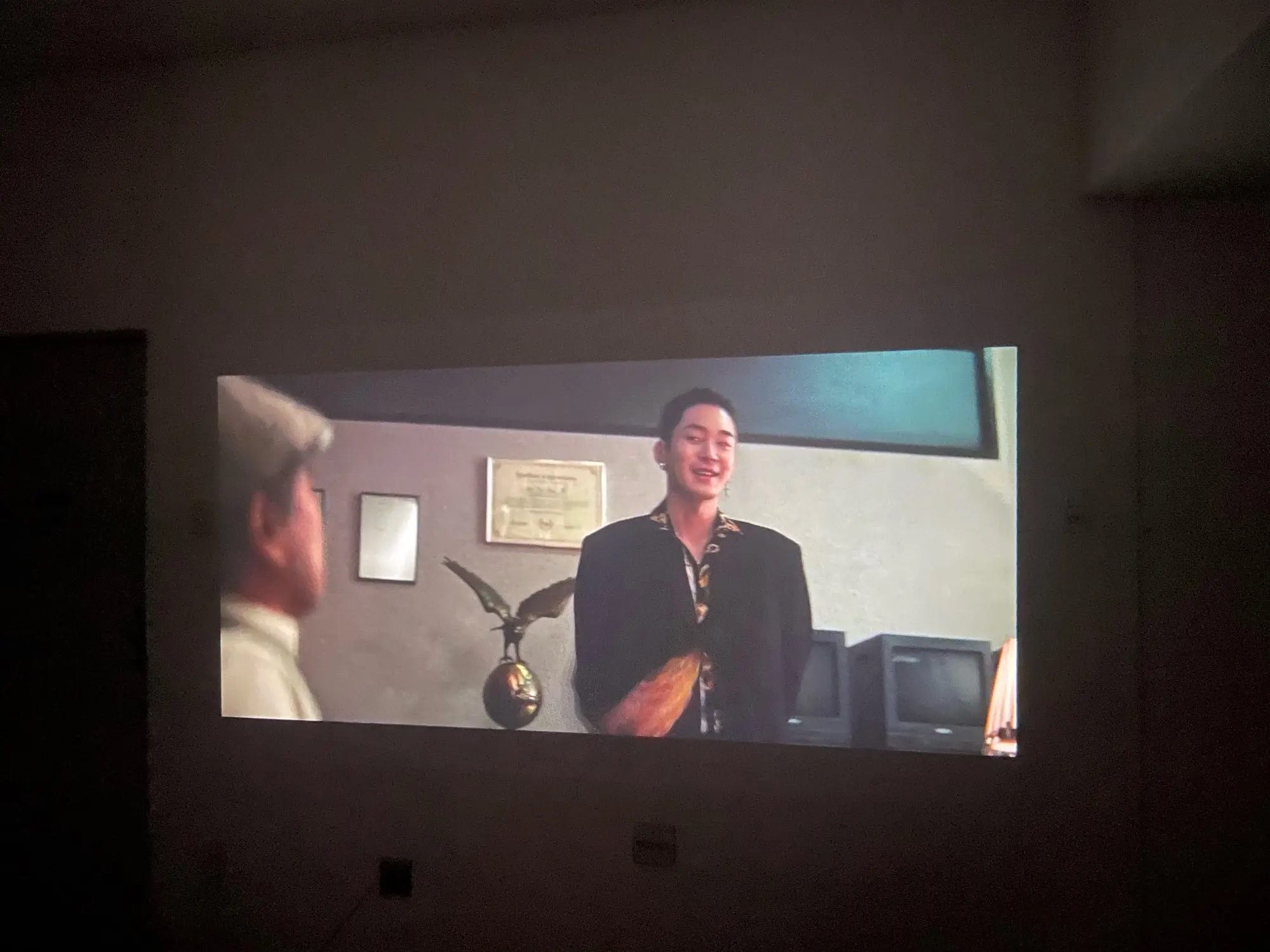
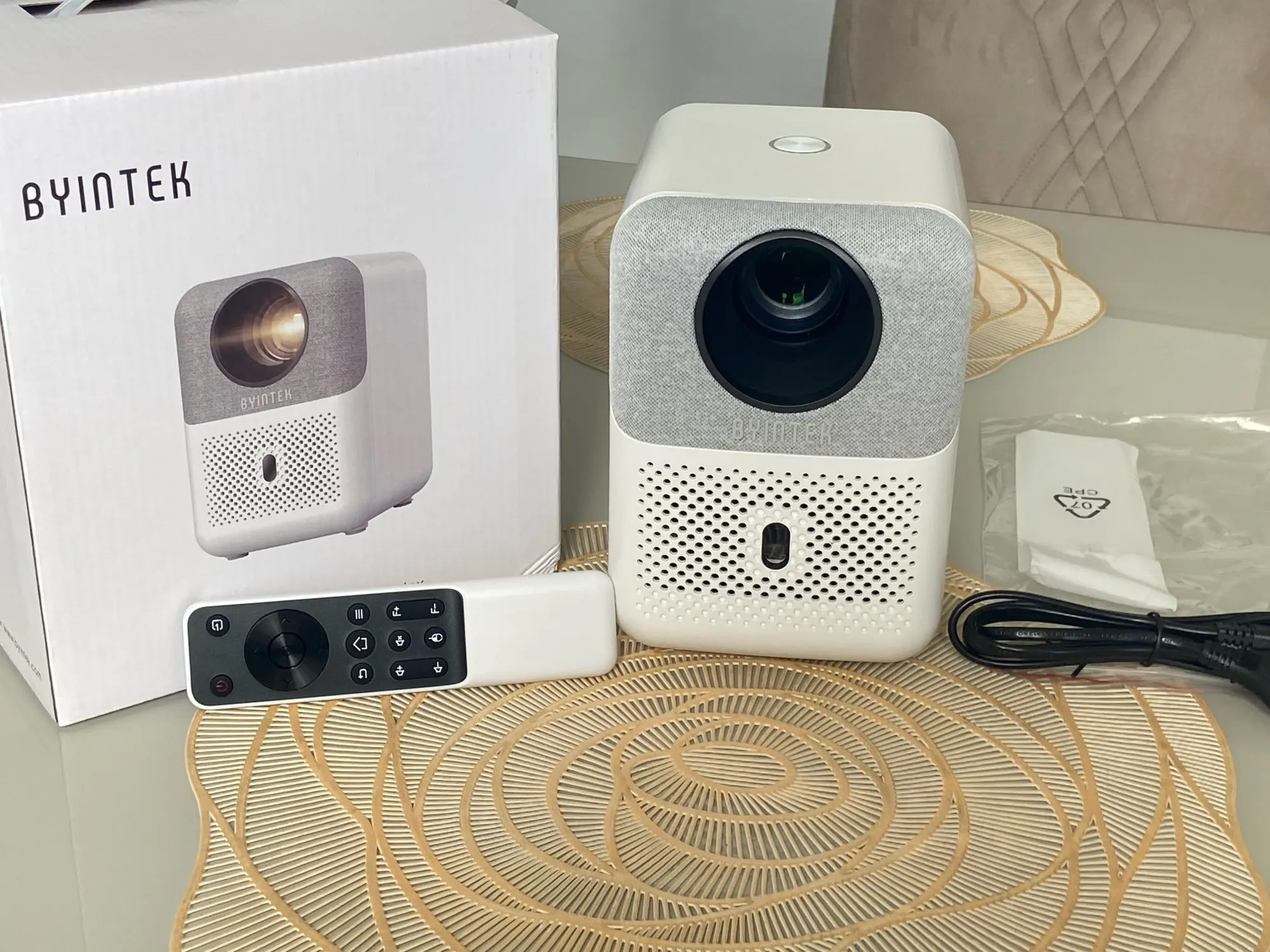
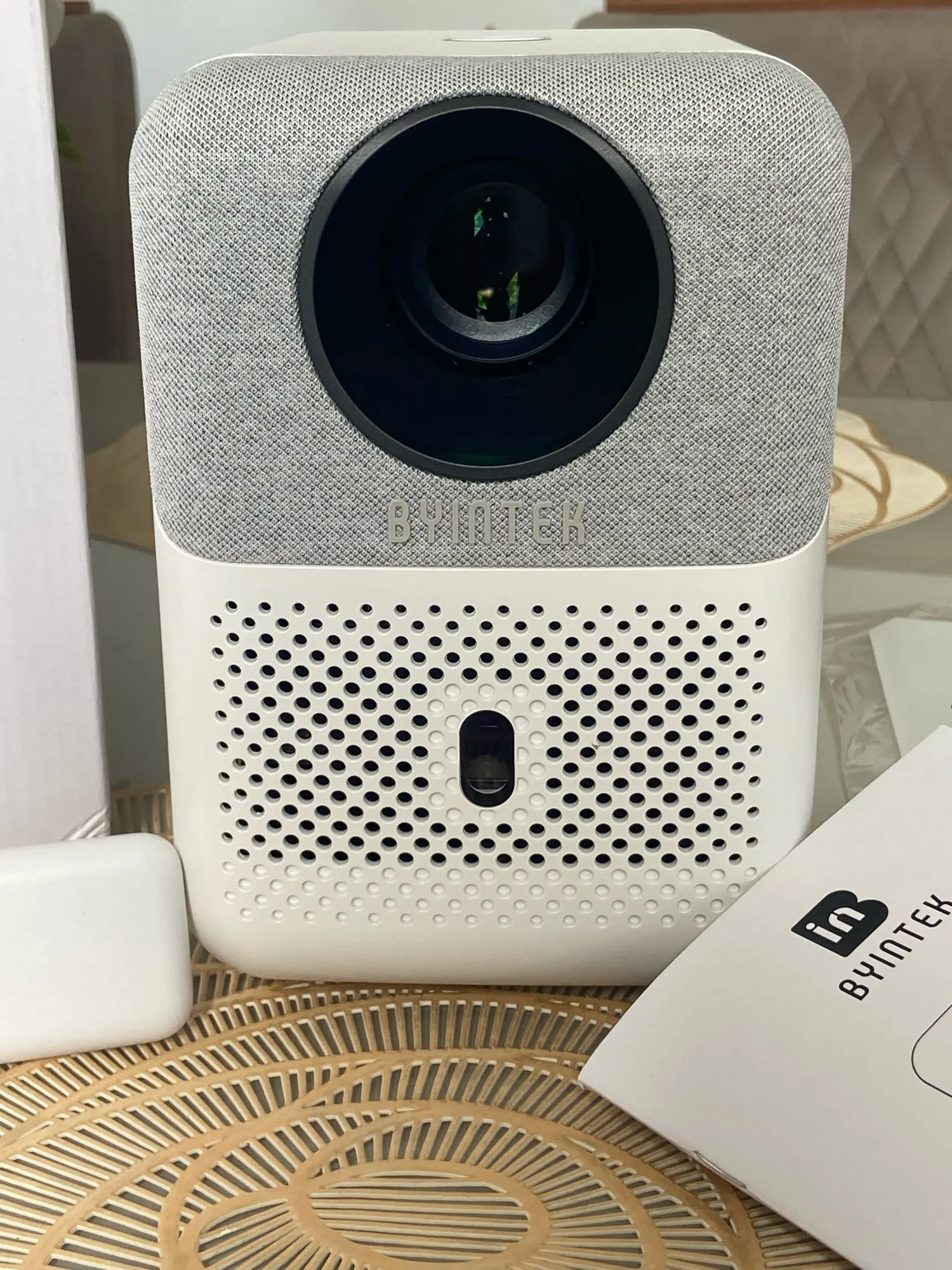
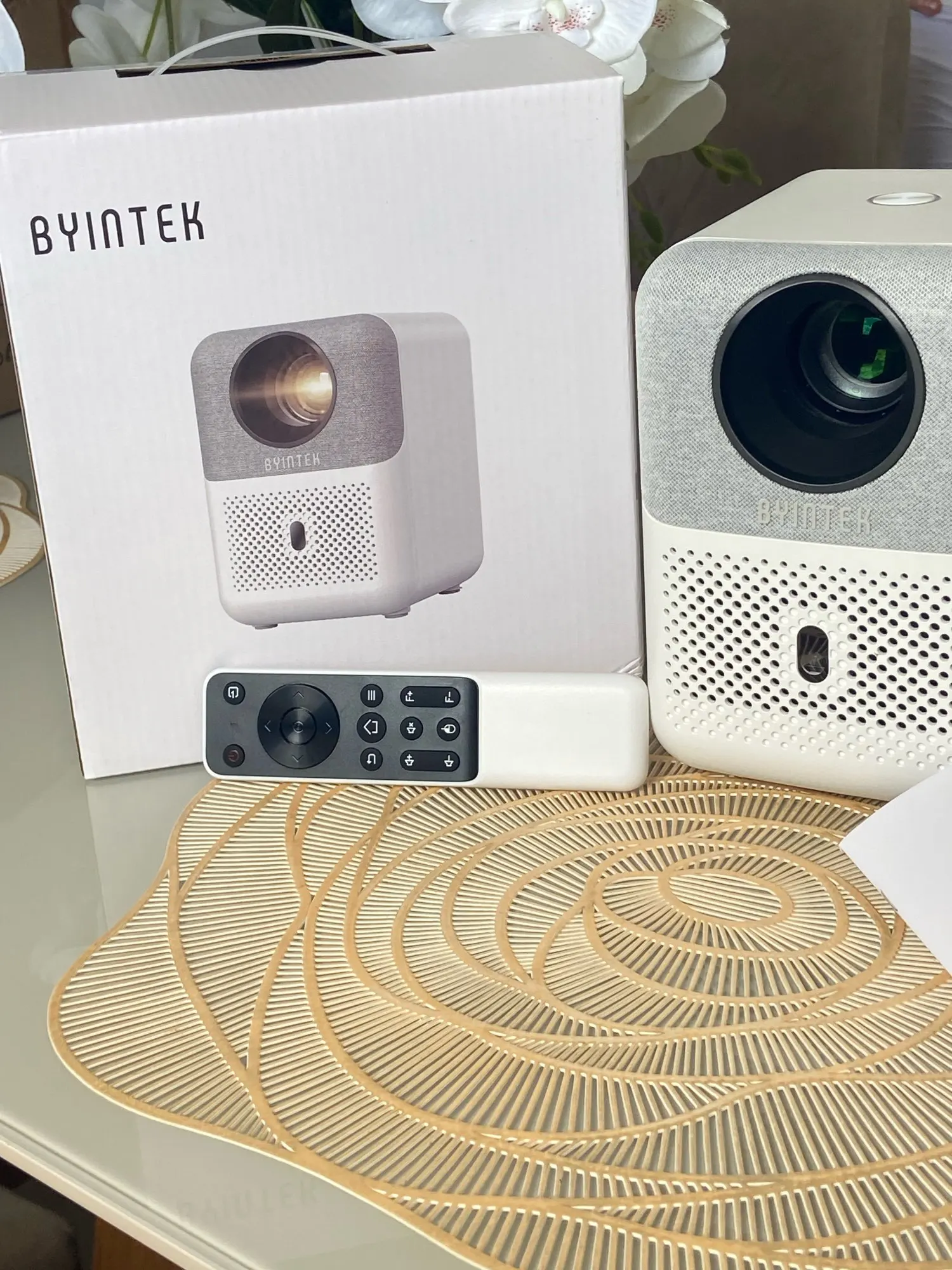
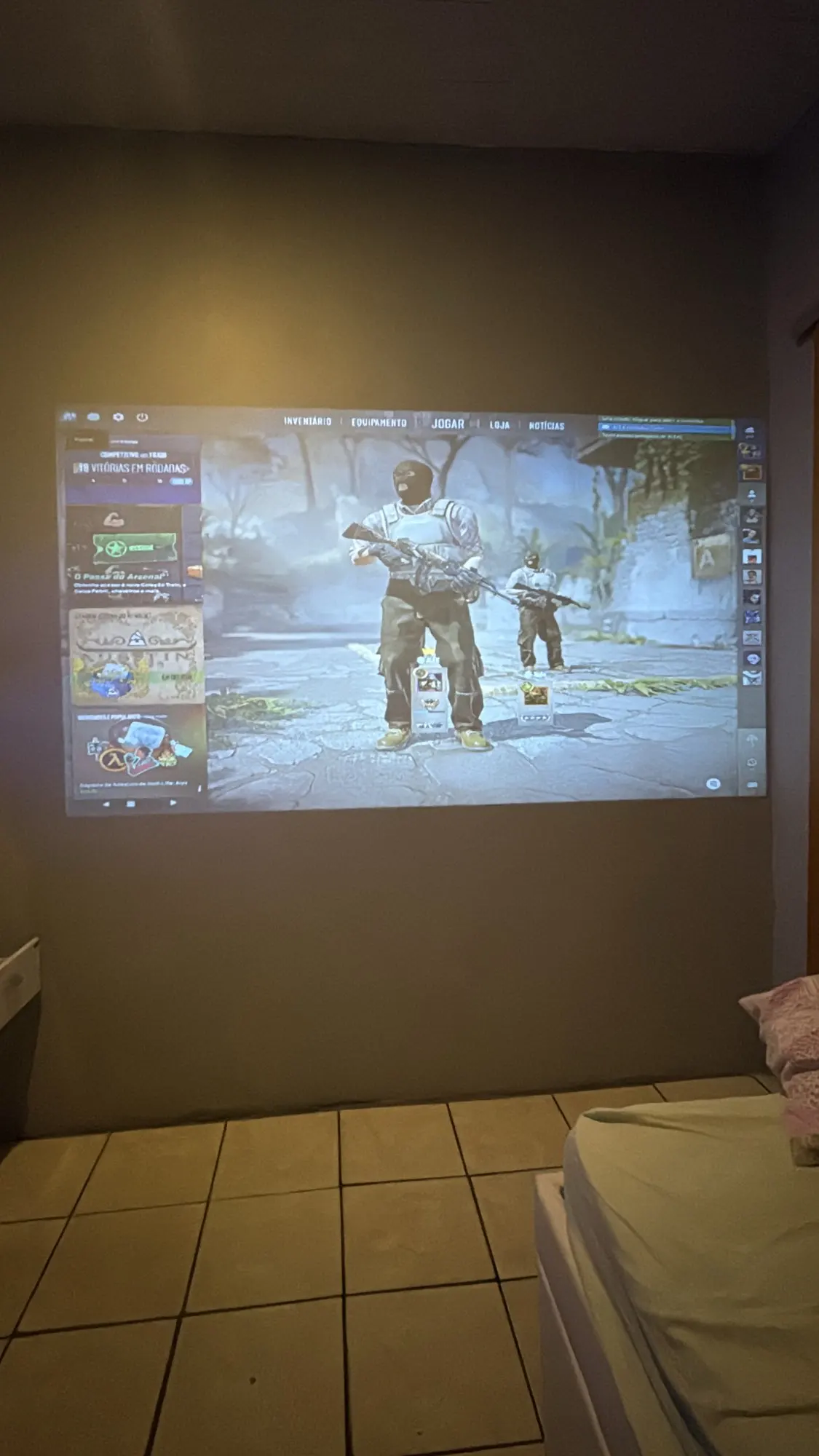
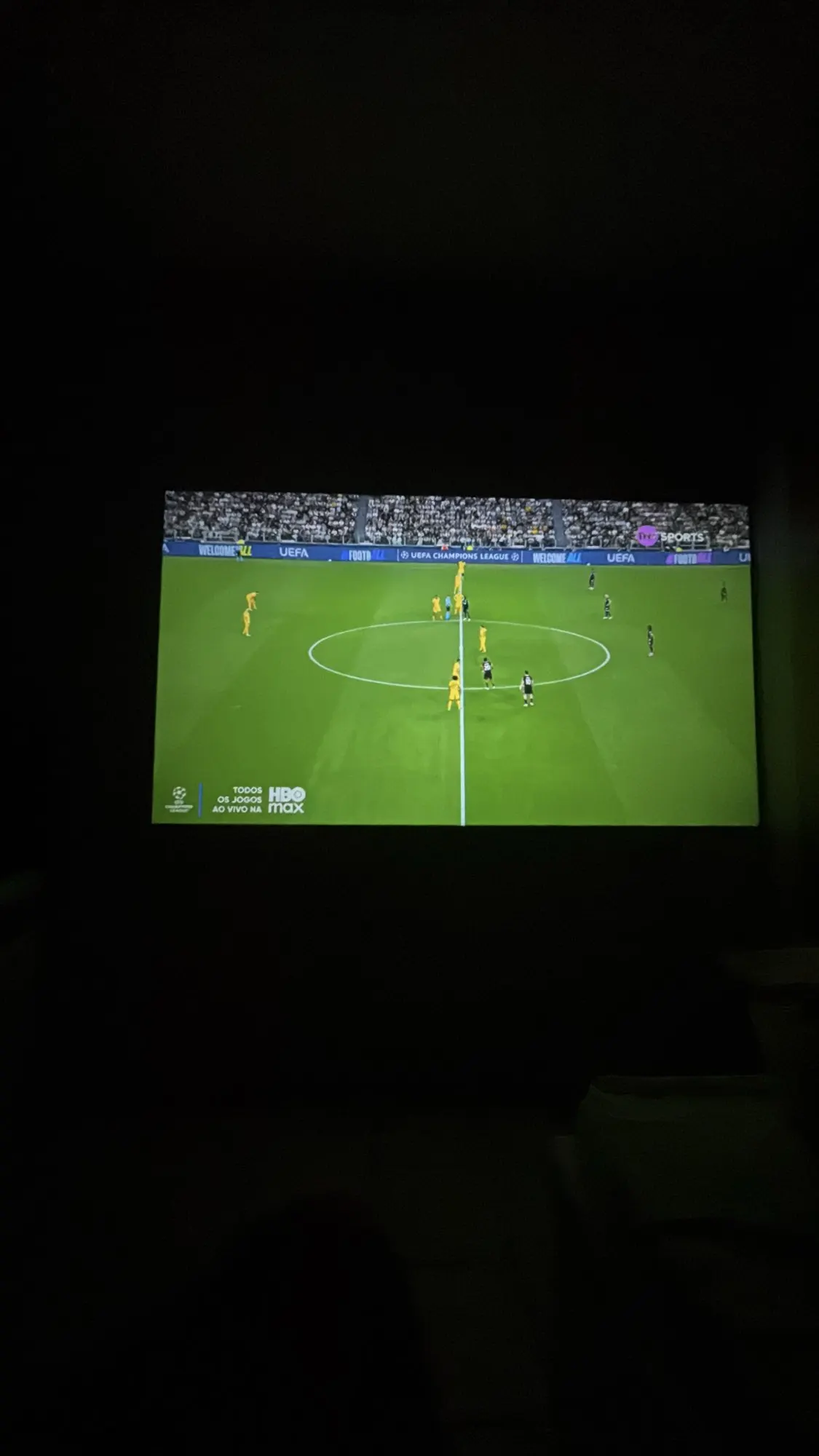
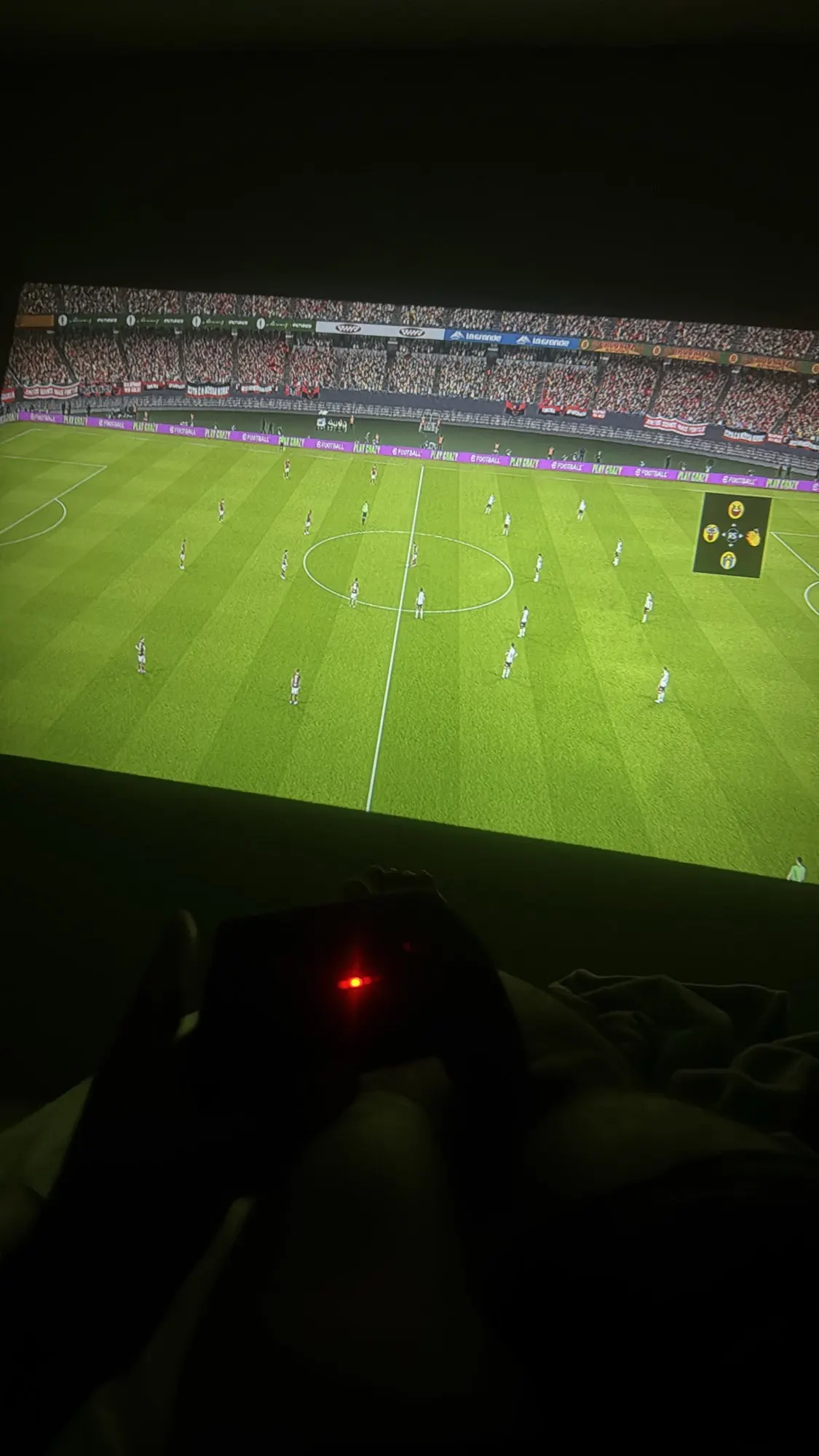
Transform any room into a private theater with the BYINTEK LOVE U4 Smart Mini Projector. This compact powerhouse supports 4K decoding and delivers stunning Native 1080P visuals, ensuring your movies and games are crystal clear. Built with an integrated Android OS, it allows you to stream your favorite apps directly without extra devices.
Designed for the modern lifestyle, the LOVE U4 features seamless Smartphone Mirroring via ultra-fast Dual-Band WiFi, making it easy to cast content from your iPhone or Android. Whether you're setting up a cozy home theater or a backyard cinema, this stylish and portable projector offers the perfect blend of aesthetic design and high-end performance. Experience vibrant colors, deep contrast, and the ultimate convenience of a "cinema in your pocket."
Key Benefits
-
Smart Android Ecosystem: Access Netflix, YouTube, and Prime Video directly from the projector’s intuitive interface.
-
Wireless Screen Mirroring: Effortlessly sync your smartphone or tablet to the big screen for photos, videos, and mobile gaming.
-
Stunning 4K Support: Enjoy high-definition content with sharp details and rich, lifelike colors.
-
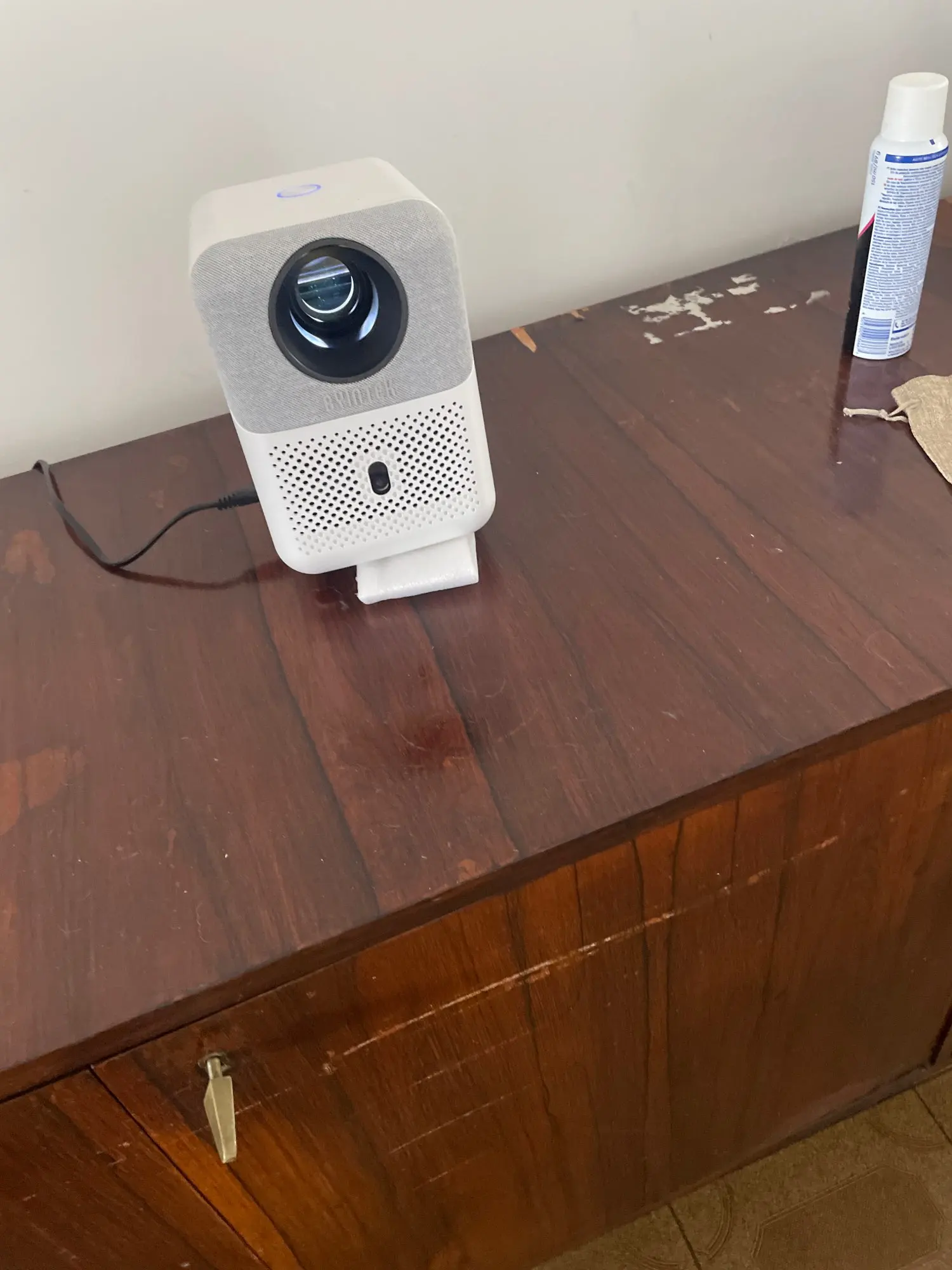
Ultra-Portable Design: The sleek, "Mini" form factor makes it easy to carry between rooms or take to a friend's house.
-
Long-Life LED Lamp: Engineered to provide over 30,000 hours of entertainment—that's years of daily movie nights.
-
Multi-Device Connectivity: Includes HDMI, USB, and Audio ports to connect everything from game consoles to external soundbars.
How to Use
-
Set Up: Place the LOVE U4 on a stable surface or tripod. Plug it in and point it toward a flat white wall or projector screen.
-
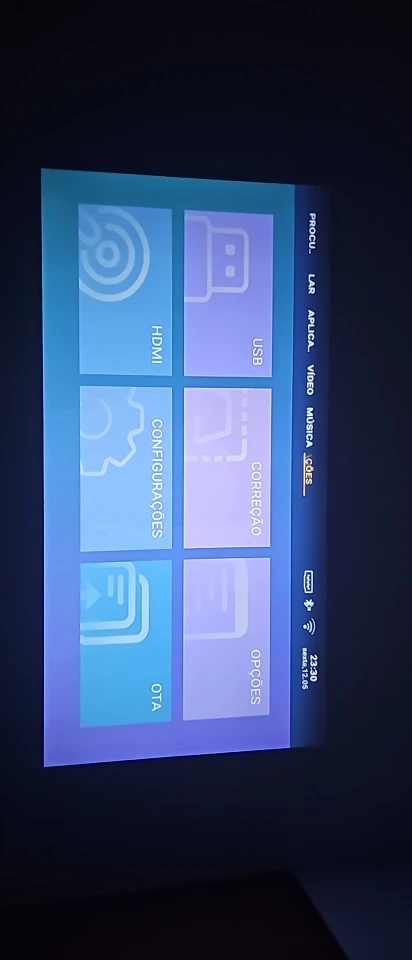
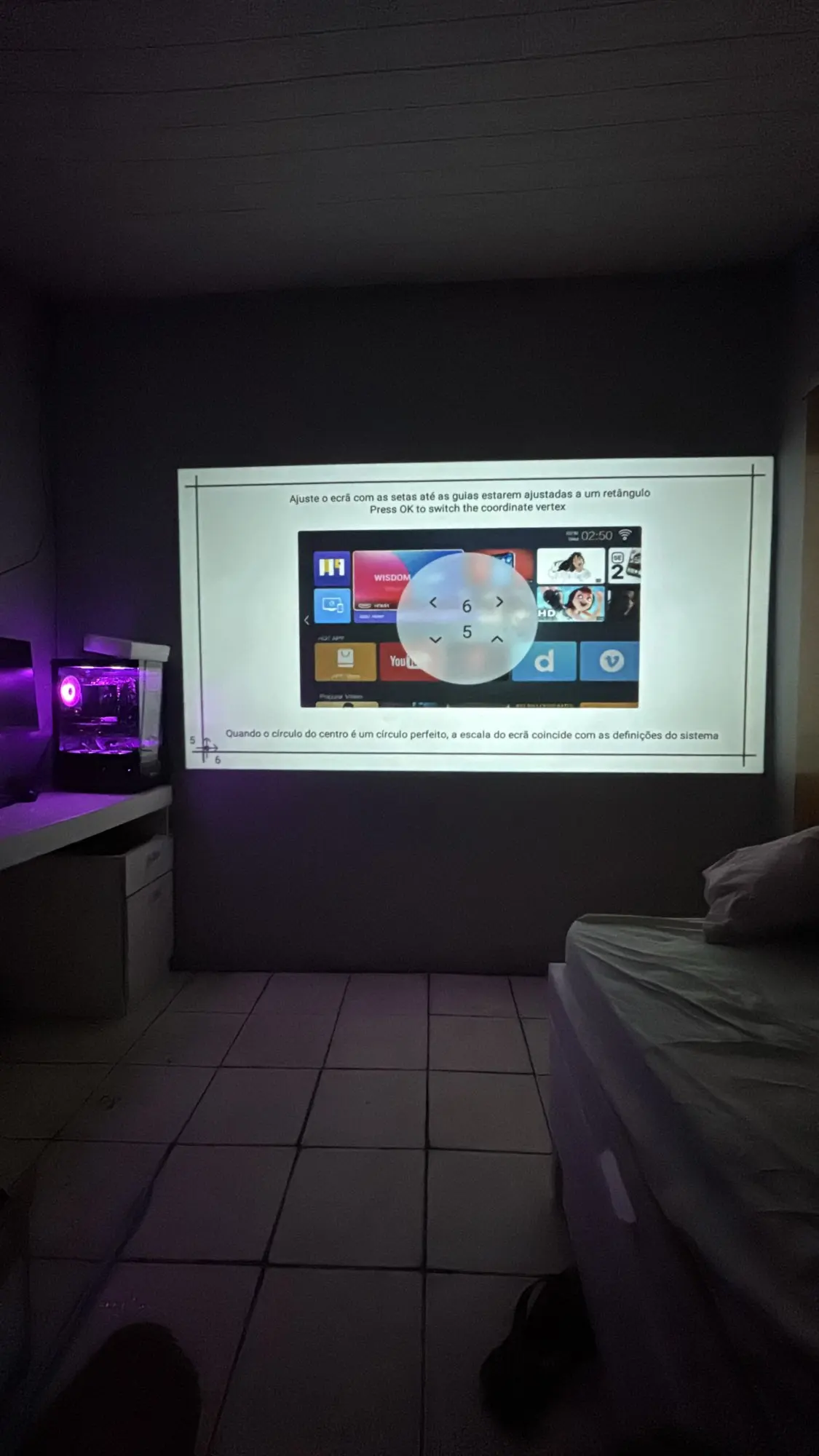
Adjust the Image: Use the manual focus dial to sharpen the picture. If the image looks tilted, use the Keystone Correction in the settings menu to square it up.
-
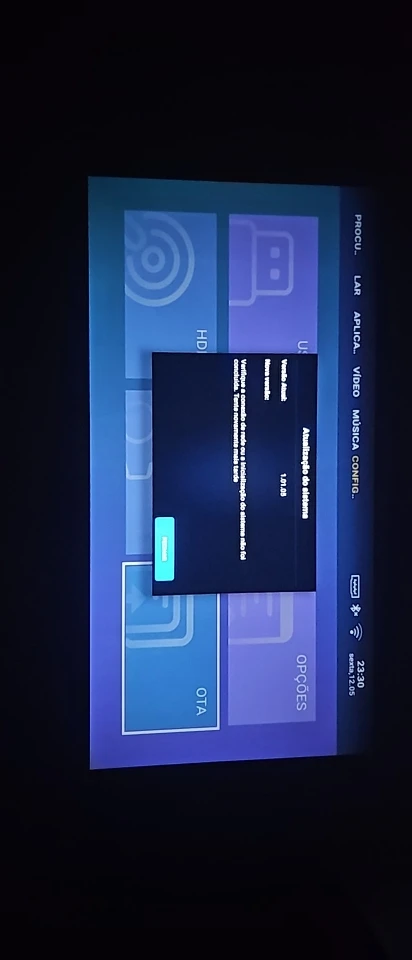
Connect to WiFi: Go to the "Network" settings and connect to your home WiFi to enable smart features and app downloads.
-
Mirror Your Phone: Open the "E-Share" or "Miracast" app on the projector and select "Screen Mirroring" on your smartphone to cast your screen instantly.
-
External Audio: While it has built-in speakers, you can plug in a 3.5mm aux cable or use Bluetooth to connect a larger sound system for a true theater experience.